Change Password – Parent Portal
1. Click on your profile picture located at the top right corner of the screen.
2. From the dropdown menu, select "Change Password."


4. Click the "Change Password" button to update your password.
Change Password – Admin Portal
1. Click on your profile picture located at the top right corner of the screen.
2. From the dropdown menu, select "Change Password."
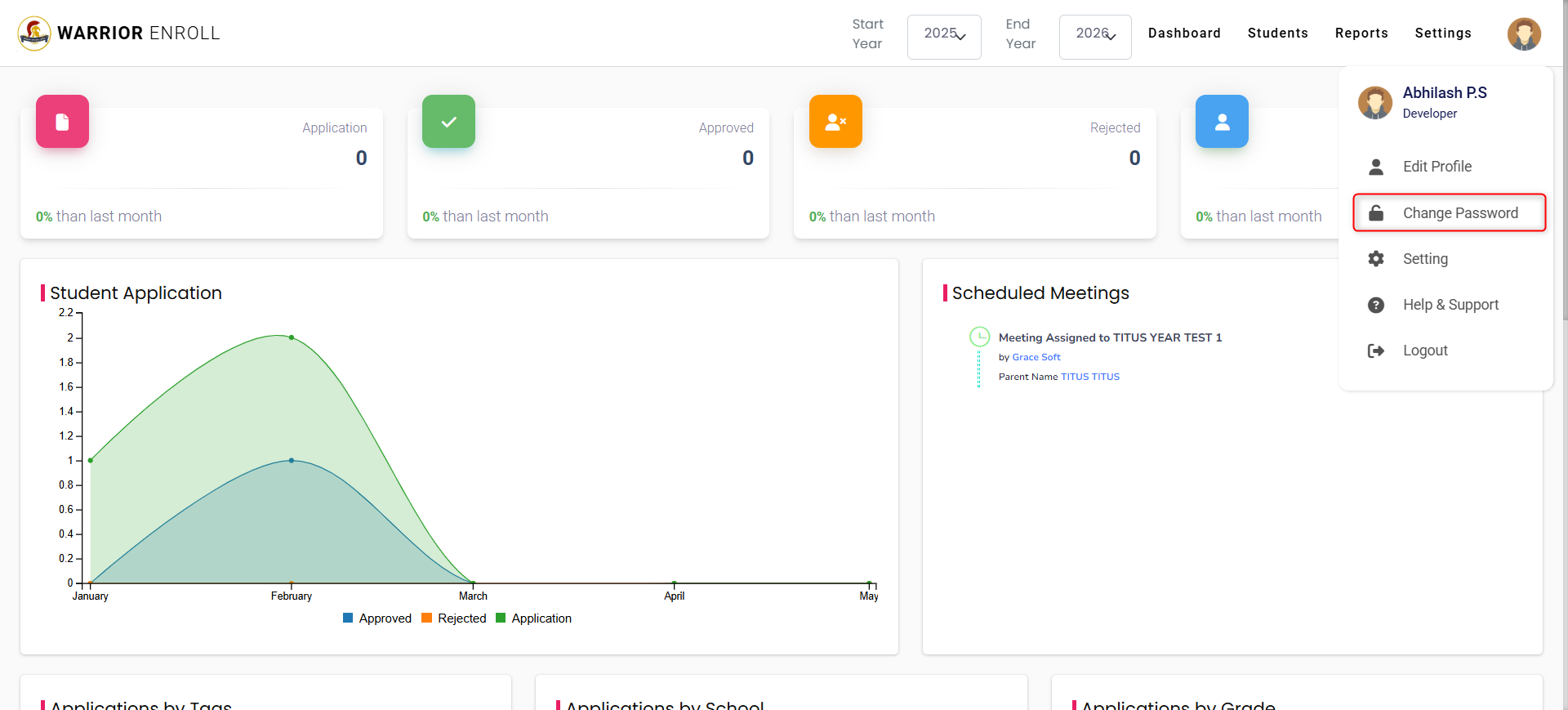
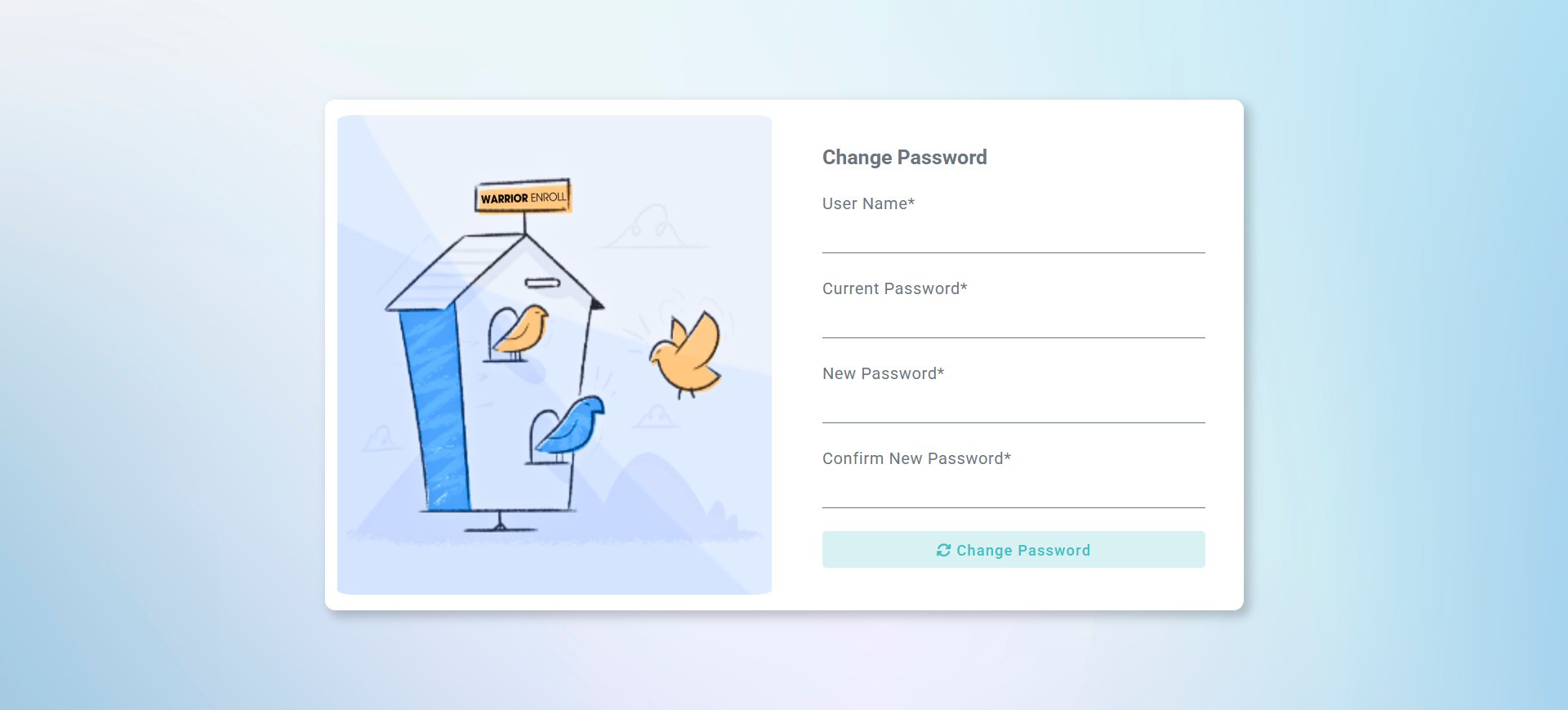
3. On the Change Password screen, enter the following details:
Username
Current Password
New Password
Confirm New Password
Was this article helpful?
That’s Great!
Thank you for your feedback
Sorry! We couldn't be helpful
Thank you for your feedback
Feedback sent
We appreciate your effort and will try to fix the article